HR & recruitment
Create job applications and design job ads in one place.
Recruitment poster
Add your company logo, edit the content and create a share link.
Recruitment poster templates
Six designs to customise for your business.
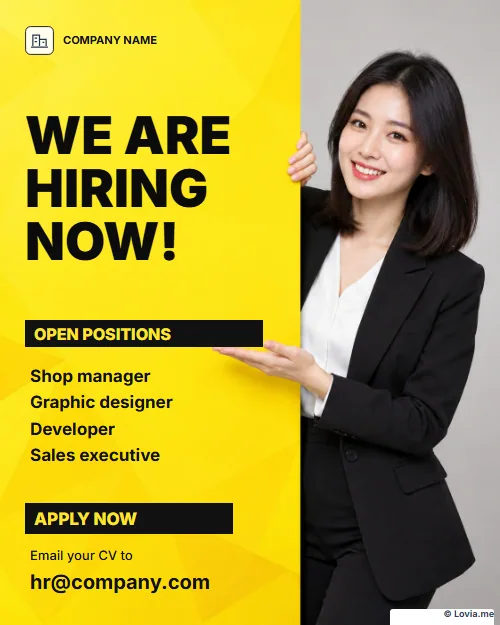
Bold yellow · We are hiring
Free · Change the logo, photos and content

Top job · Sales
Free · Change the logo, photos and content
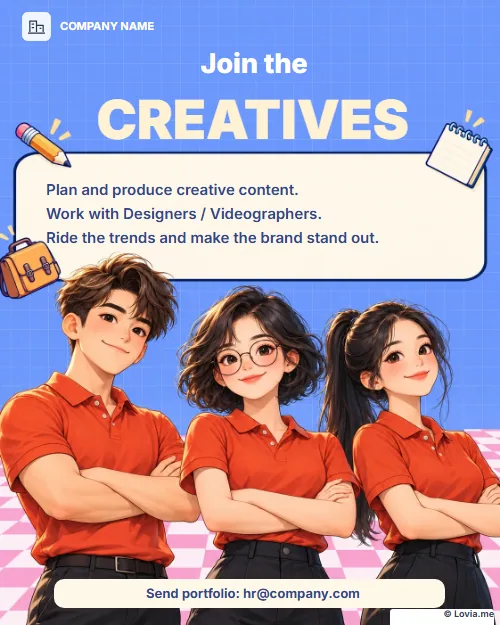
Join the team · Creative
Free · Change the logo, photos and content
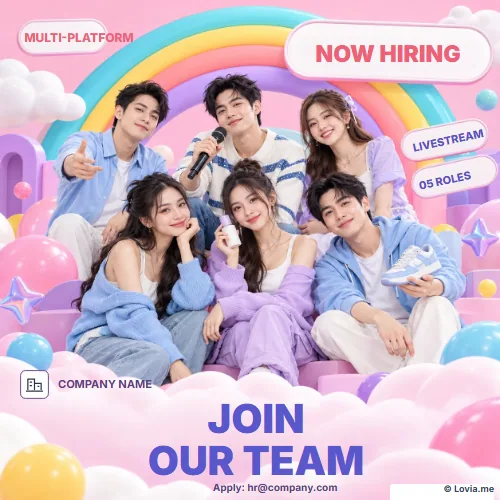
Find teammates · Livestream
Free · Change the logo, photos and content
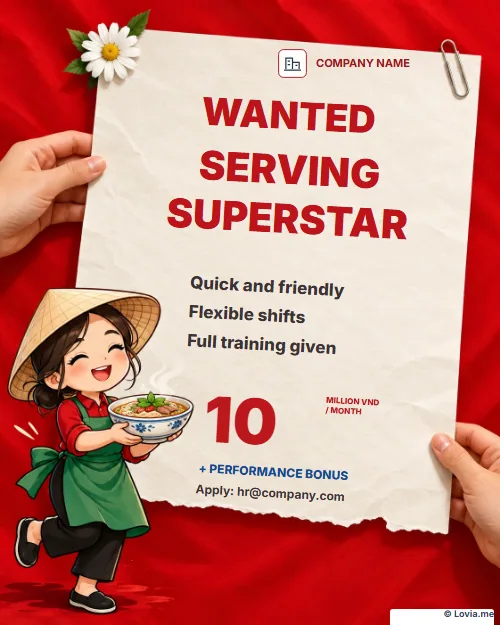
Serving superstar · Restaurant
Free · Change the logo, photos and content
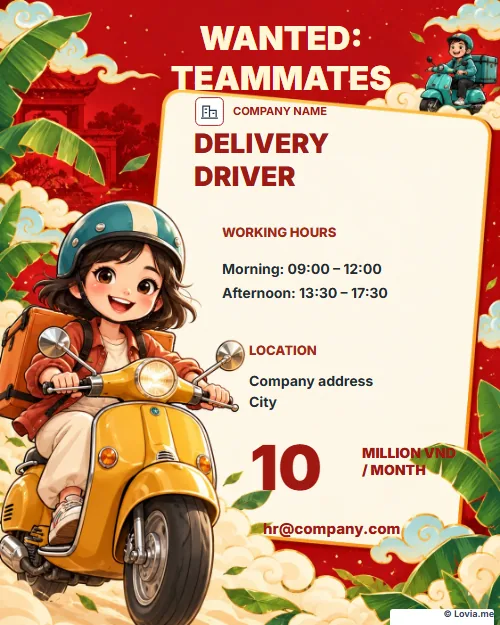
Wanted teammates · Delivery
Free · Change the logo, photos and content
In the editor, select the logo or a photo to replace it; select text to edit your company details, the position and the email address for applications. Every template already carries the Lovia.me mark at the bottom.
Create CVs and recruitment posters on Lovia
Job seekers can create a free CV online, choose a layout, edit their details, change the photo, and print or save the CV as a PDF. Employers can design a recruitment poster and add their company logo, the open position, salary and contact details.
Are the CVs and recruitment posters free?
The CV templates and all six recruitment poster templates here are free. Log in to save your designs to your account and reopen them whenever you need to edit.
How do I reopen a saved design?
Choose My CV or My posters, open a saved version and edit it. For posters, the Save changes button updates the exact version you have open.
Can I share a poster with a link?
Yes. In the poster editor, choose Save & share, set the share URL and create the link. When you edit a shared poster and save your changes, the content updates on the existing link.